POUR for Agents
AI agents are now participating in accessibility work. The question is whether we've made our practice available to them. POUR — perceivable, operable, understandable, robust — wasn't just for users.
This post is adapted from the Onward Accessibility webinar “Leveraging AI in Accessibility Workflows.” The original slides are available on Google Slides.
This isn’t a piece about replacing accessibility expertise with AI. It’s a piece about what happens to that expertise when AI systems are already entering our workflows.
Agents are going to participate in accessibility work. The question isn’t can they? The question is whether their participation will be useful, harmful, or mostly noise. My argument is that the difference comes down to context — not the kind that goes in a prompt box, but the kind that lives in your codebase, your documentation, your tests, your component APIs, and your decision processes. Whether your agents do useful accessibility work is determined by what they can read.
What an agent actually is
Before we talk about accessibility, the simplest definition: an agent is a language model wired up to tools. It might read files, inspect code, run tests, call APIs, drive a browser, or analyze tool output.
That gives it real strengths. It can read quickly. It can synthesize across long inputs. It can transform code at scale. It can follow procedures when those procedures are present.
It also has weaknesses worth naming. It forgets. It overfits to the patterns it sees nearby. It repeats those patterns. It can sound confident before it has earned confidence.
So I want to keep two things true at once: agents are powerful, and agents are not naturally good accessibility practitioners. The work is in closing the gap between the two.
The default failure mode
The default failure I see in AI-generated UI is this: it looks finished. The layout works. The spacing is fine. The modal looks modal-ish. The button looks button-ish.
Underneath, the semantics are thin. Focus management is missing. Accessible names are incomplete. State is not communicated. Keyboard paths are assumed instead of verified. The model knows how to make the interface look done before it reliably knows how to make the experience work.
People have started calling this jagged intelligence: models can be superhuman in one pocket and surprisingly brittle in another. That matters for accessibility because a model can be very good at React and still brittle about focus order, name/role/value, alt text, or screen reader behavior.
So the right question isn’t “is the model smart?” The right question is: is this accessibility task inside one of its strong circuits, and if not, what context and verification do we need to supply to lead toward a better outcome?
The memory mismatch
Accessibility teams and development teams build judgment over time. They remember past bugs. They remember why a component was deprecated. They remember that axe passed but the screen reader experience still failed. They remember which patterns are technically allowed but practically dangerous.
Agents do not inherit any of that.
Every session is a new contractor on day one. Helpful, fast, tireless, comes with its own baggage — but still day one.
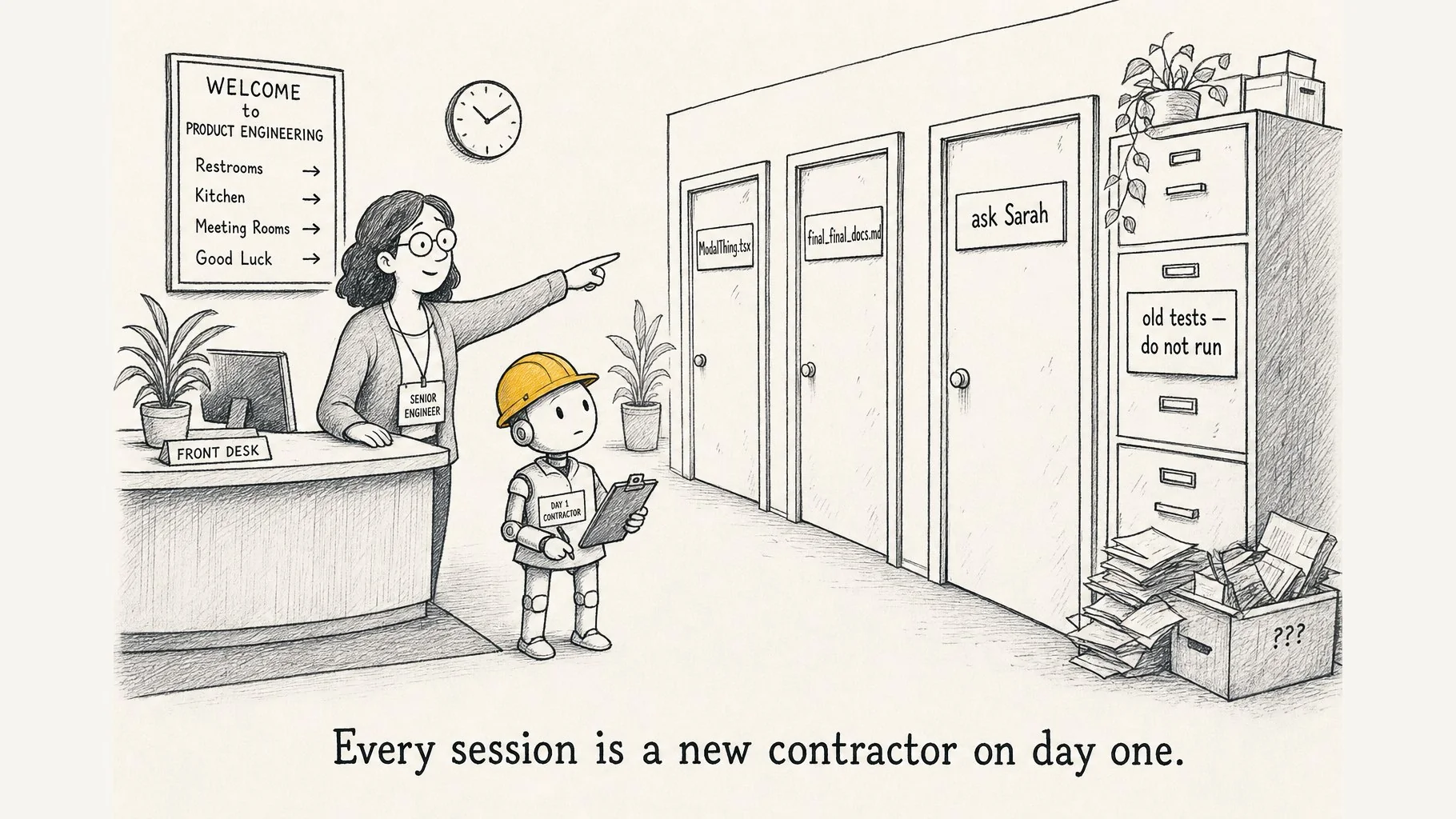
So when I talk about context engineering, I’m not talking about sprinkling nicer instructions into a prompt. I’m talking about making organizational accessibility judgment available at the point of work. Anything important that lives only as institutional knowledge — only in someone’s head, only in a private Slack thread, only in a meeting that didn’t get written up — is invisible to the agent.
POUR, again
Nothing about good accessibility practice changes because of AI. Shift-left still matters. Design systems still matter. Manual testing still matters. Central accessibility expertise still matters.
What changes is that our work has another participant.
If that participant cannot perceive our standards, operate through our components, understand our decisions, or receive meaningful feedback on its work, it will participate badly.
So the question stops being can AI do accessibility? and becomes have we made our accessibility practice available to the agent?
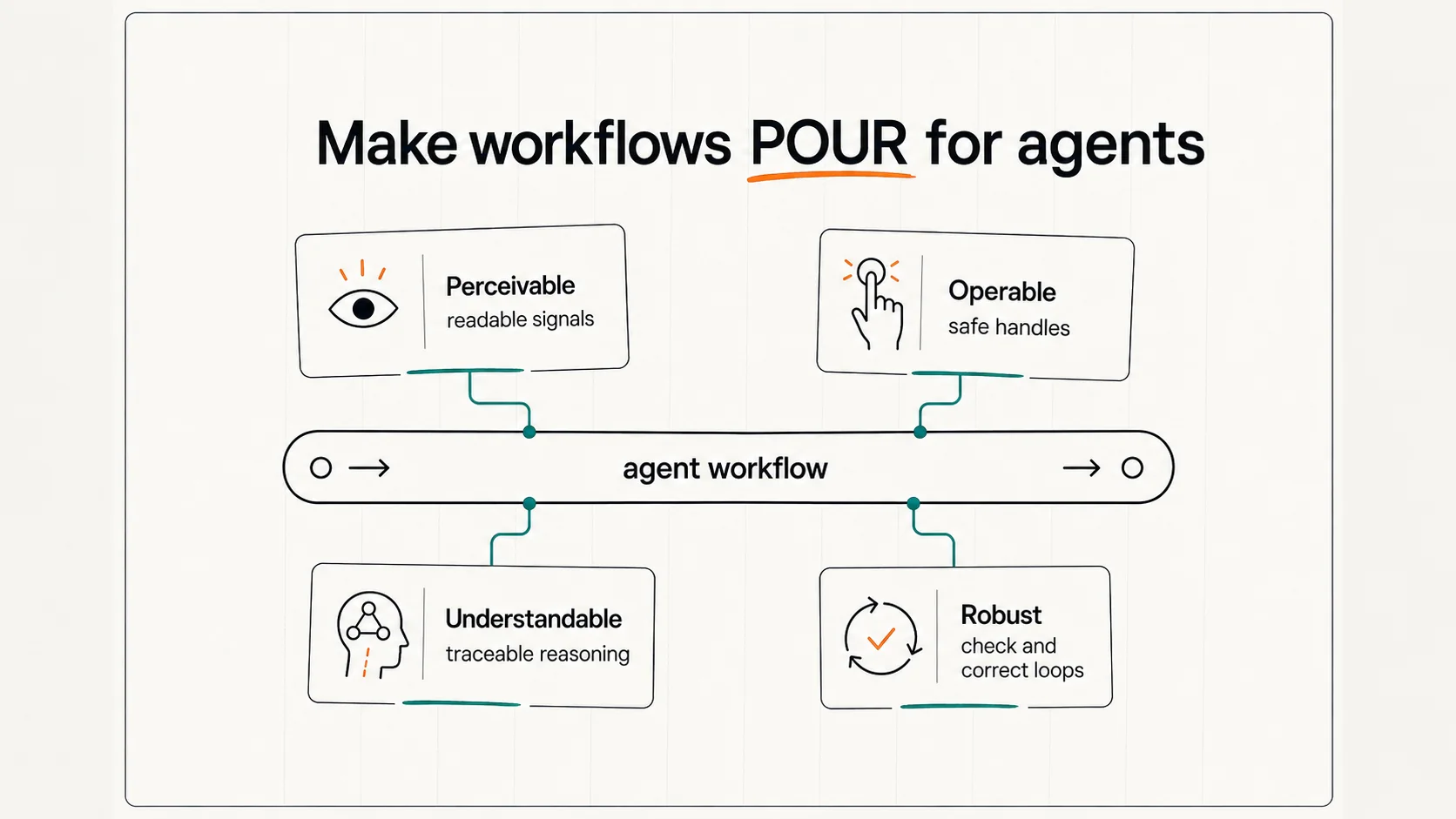
That’s the same question we ask about users. We make the web POUR for them. We need to make our workflows POUR for agents.
The inventory
Agents are text-native. They read code, file systems, docs, test names, terminal output, error logs, JSON, Markdown, and English sentences through the same basic substrate: text.
That means we can guide them in many more places than the prompt box.
A file named Dialog.tsx teaches differently than a file named ModalThing.tsx. A component called Dialog.Title teaches differently than a generic <div>. A failing test named returns focus to trigger after close teaches differently than a vague snapshot failure. A README that documents accessibility decisions teaches differently than one that doesn’t.
The codebase is part of the prompt now. Every readable surface is an affordance — or, if we ignore it, an obstacle.
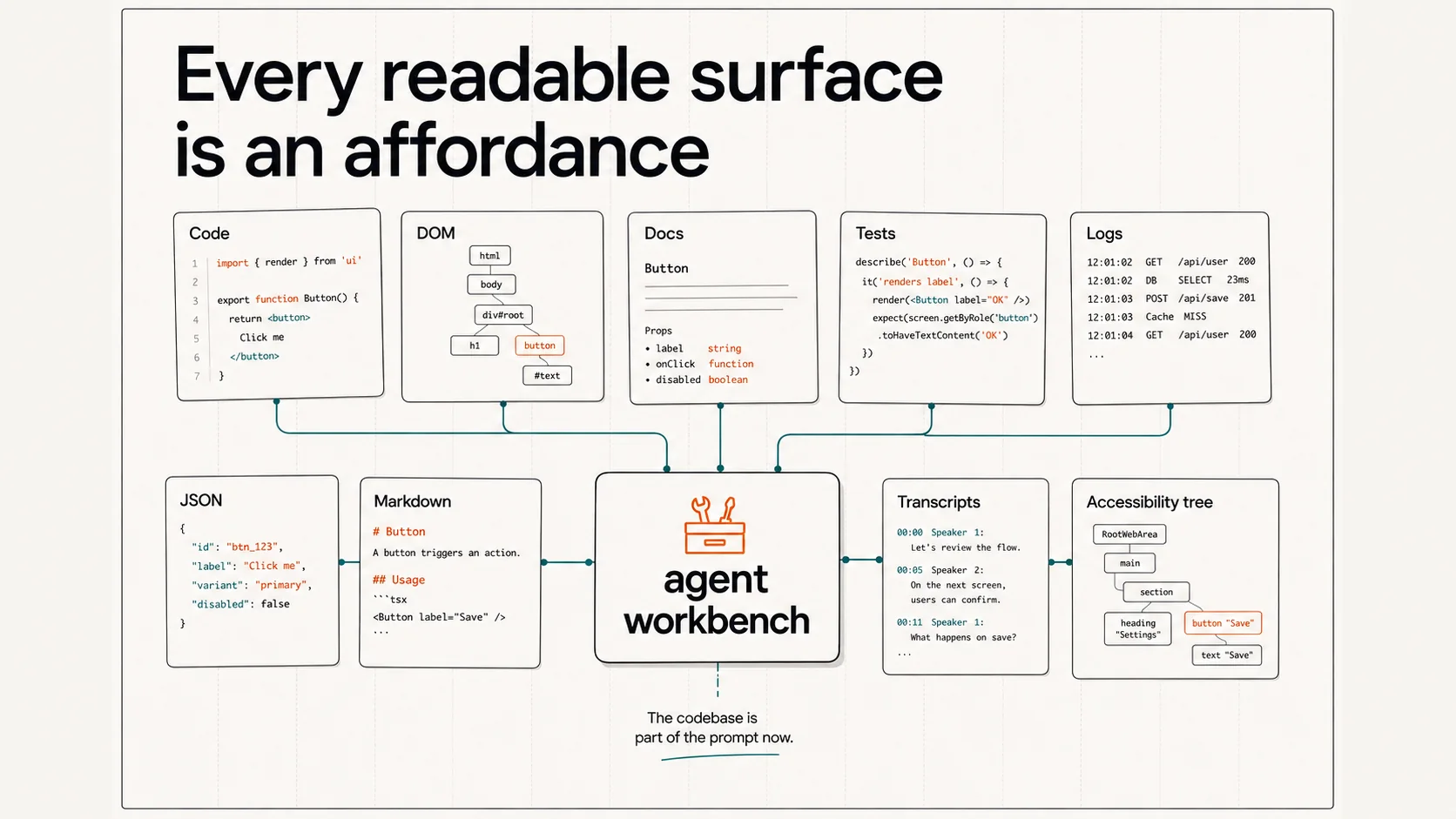
So the inventory question is: what surfaces can the agent read in our environment, and do those surfaces point toward our accessibility practice or away from it?
POUR, mapped to agents
POUR is useful here because it’s already how accessibility people think about user experience. For agents, the terms shift slightly.
Perceivable. Can the agent see the right signals — code, DOM, docs, tests, accessibility tree snapshots, transcripts, tool output?
Operable. Can it act through safe handles — components, APIs, commands, schemas, test runners, defined workflows?
Understandable. Can it follow our reasoning — pattern docs, decision trees, examples, review heuristics, design rationale?
Robust. Can it check and correct its work — through tools, verification loops, judge review, and human escalation when ambiguity is high?
The four together form the same affordance question we ask about users, aimed at a different kind of agent.
A worked example: alt text
Take alt text. The naive AI workflow is: give the model an image, ask it to describe the image.
That isn’t how accessibility experts think about alt text.
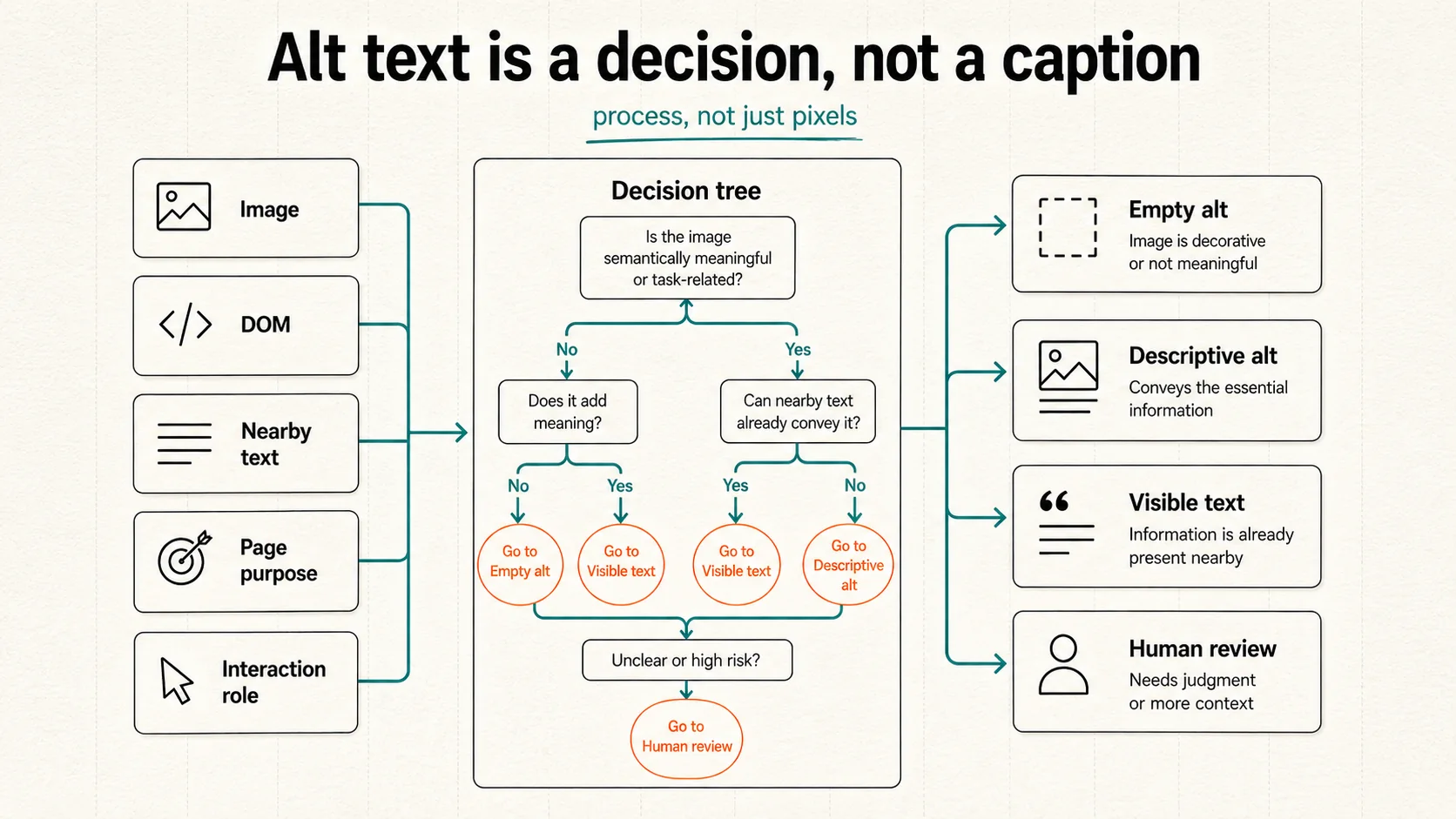
Alt text isn’t a caption. It’s a decision about the role the image plays in this specific context. Does the image contain text? Is that text already nearby on the page? Is the image inside a link or button? Does it contribute meaning to its context, or is it decorative? Is it complex? Should the answer be descriptive alt text, empty alt, visible page text, or human review?
That’s a process. The agent needs the process, not just the pixels.
Perceivable, for alt text
Perception, for alt text, is not just computer vision. The agent needs surrounding context.
The same image needs different alt behavior in different places. A product photo might be informative on a product detail page and decorative inside a repeated card. An icon might need empty alt if it sits next to visible text, or functional alt if it’s the only label inside a button.
If the agent only sees the pixels, it will probably produce a caption. If it sees the image, the surrounding DOM, the nearby text, the page purpose, and the interaction role, it can begin making an accessibility decision.
That’s what perceivable means for agents: not more vibes, better signals.
Operable, for alt text
A weak prompt says: “Write alt text for this image.”
A stronger workflow says: “Classify this image using our alt-text decision tree. Recommend the correct alt behavior. Explain the decision path. Flag anything that needs human review.”
That structure changes the work. It turns the agent from a caption generator into a participant in an accessibility workflow. The handle might be a schema, a tool call, a component API, a form, or a test command. The point is that the agent should act through structures that encode the practice.
Understandable, for alt text
The W3C alt-text decision tree is a perfect example of accessibility judgment captured as procedure. A human accessibility specialist may have internalized it — they don’t consciously walk every branch every time, because they’ve accumulated judgment.
The agent has not.
So the decision tree needs to be available as context. Maybe it’s a pattern doc in the repo. Maybe it’s embedded in a tool instruction. Maybe it’s part of the system prompt for an internal workflow. Maybe it’s translated into a structured classification schema.
The important thing is that the process is no longer trapped in expert memory.
Robust, for alt text
A robust agent workflow does not just output a string.
For alt text, I want more than the recommendation. I want the decision path. Did the agent notice the image contains text? Did it check whether that text is nearby? Did it check whether the image is inside a link or button? Did it classify the image as decorative, functional, informative, complex, redundant, or unclear?
Then tools check what tools can check. Is the alt attribute present? Is the image inside an accessible control? Is nearby text present? Does the output match the expected schema?
A judge sub-agent can review consistency: “You classified this image as decorative, but your rationale says it contributes meaning.”
When ambiguity remains, escalate to a human — especially for complex images, charts, brand-sensitive descriptions, product-specific meaning, or anything where user understanding depends on nuance.
The robust loop isn’t a single check. It’s a sequence: decision path, tool checks, judge review, human escalation. You can craft those loops, processes, tools, and conditions for success deliberately, for the work the agent is actually doing.
Your expertise is the asset
By paying attention to how the agents POUR, you overcome their weaknesses by making your expertise the asset.
The work isn’t to make agents magically invent accessibility judgment. Model intelligence is jagged, and we don’t fully control what the models are fine-tuned on. What we can do is make our accessibility judgment available to them.
For designers, that may mean capturing intent, user impact, and design rationale alongside the visual artifacts.
For developers, it may mean encoding accessibility into components, APIs, tests, schemas, and file structures — every readable surface working as an affordance.
For central accessibility teams, it may mean turning repeated guidance into decision trees, pattern docs, review heuristics, and workflow tools, so that the agents can act through your practice instead of around it.
Your expertise is the asset. Inventory it. Encode it. Surface it. Verify it. So that agents can magnify expertise instead of generating slop.

Dylan Isaac
Enablement engineer. Building orchestration layers that turn AI capability into human flourishing.
About Enablement Engineering →Related Writing
January 2, 2026
Accessibility as Alignment Work
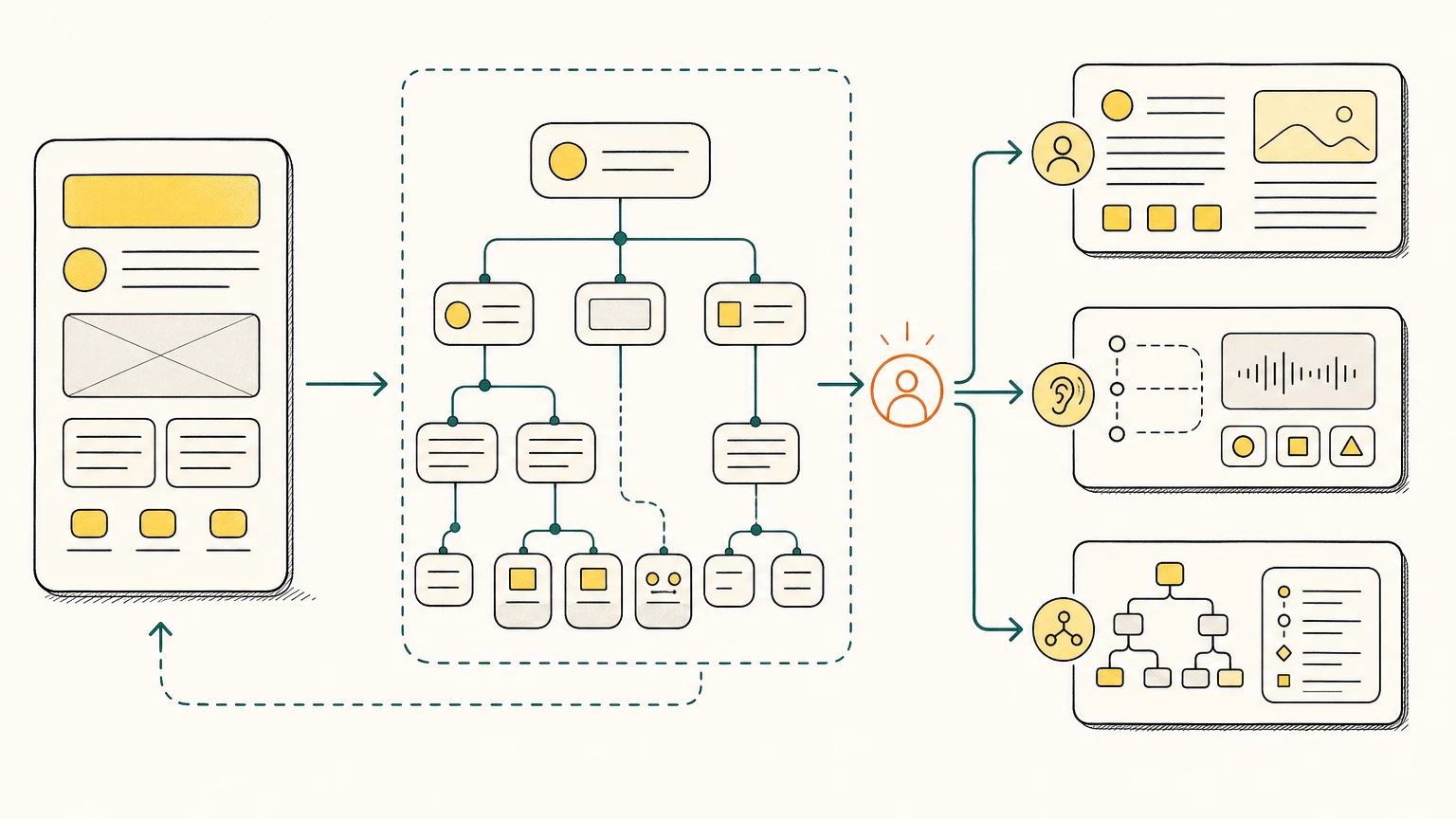
The accessibility community has been solving AI alignment problems for decades. POUR principles are alignment primitives. The patterns that make content work for assistive technology are the same patterns that make AI systems trustworthy.
September 1, 2024
Reframing Accessibility: AI as an Epistemological Translator
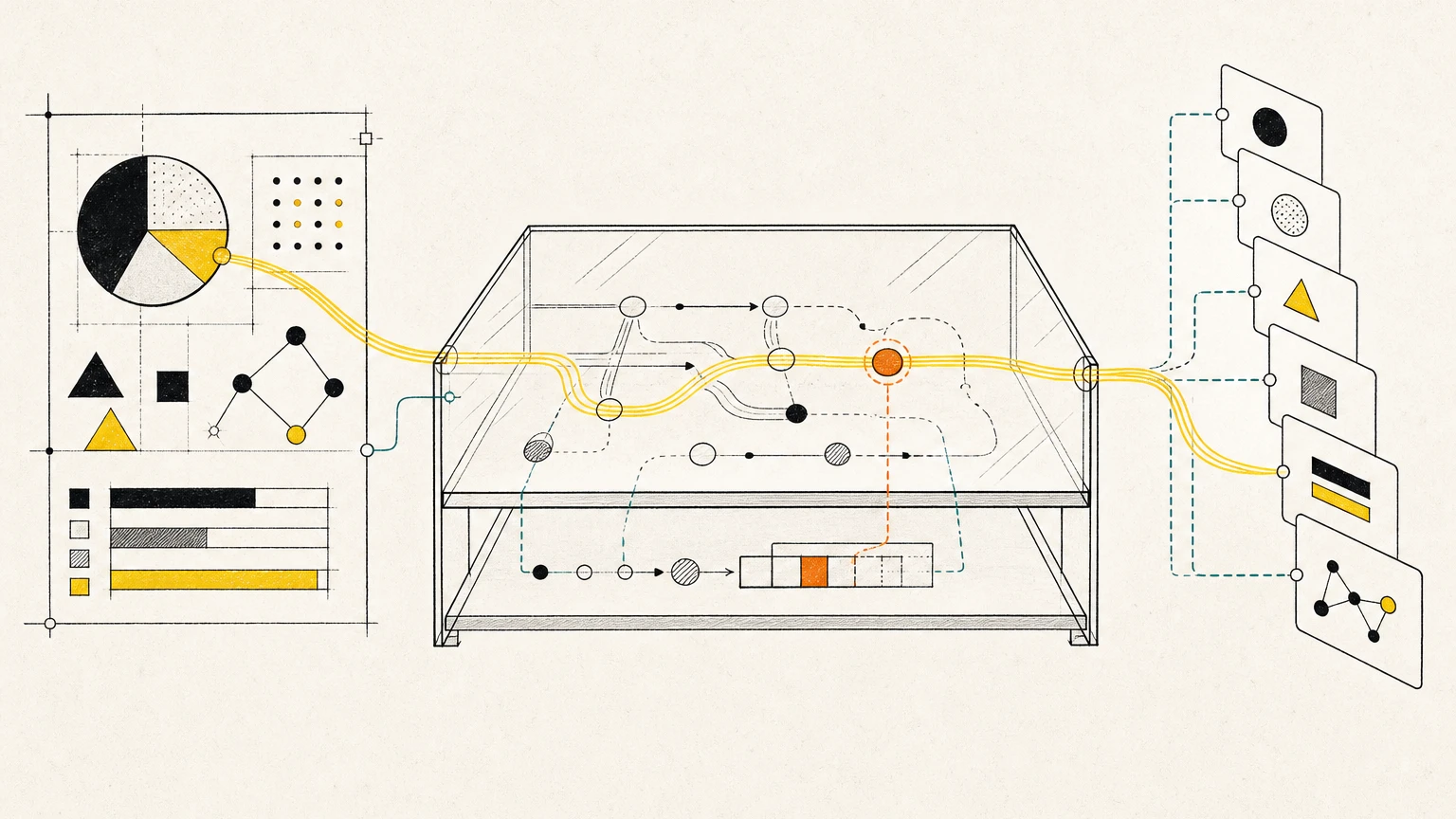
Accessibility isn't about compliance—it's about translating between fundamentally different ways of knowing. AI changes what's possible.
January 2, 2026
The Core Four Framework
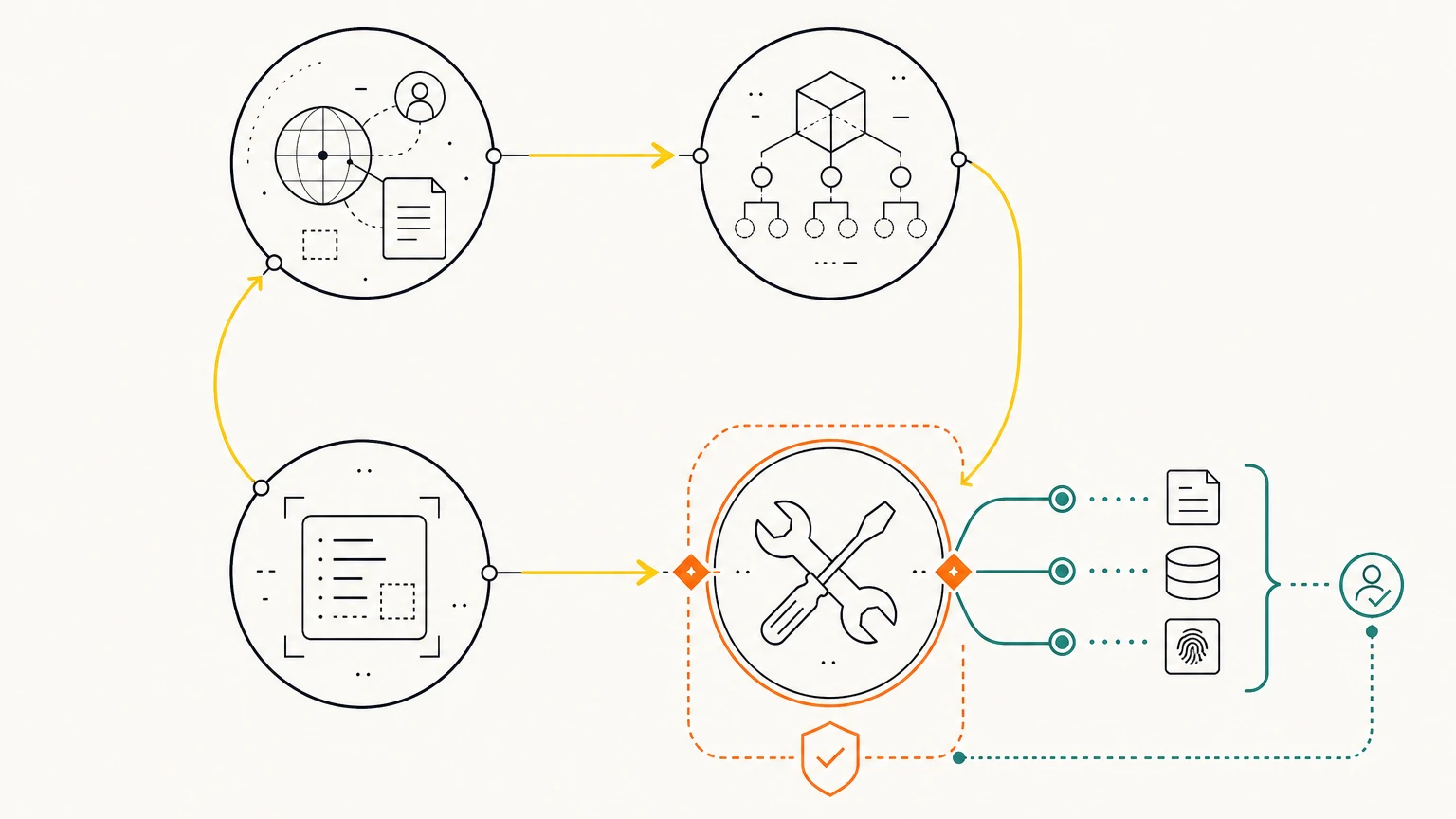
Context, Model, Prompt, and Tools—the four elements of every agentic system. Tools are where trust lives.